Copy From the Console
##Problem I’m working on a problem right now where I get large amounts of data back from a function.
That data might not be correct.
I need to inspect it, so I log it to the console. Unforuntaly, I have to go through the nested array by hand. It’s not very fun.

Wouldn’t it be awesome if I could save that whole logged array and search it in a text editor?
##How to:
- Open your browser console.
- Right click on the logged object. Click "Store as Global Variable". 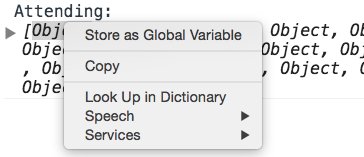 This saves the object to a temporary variable, which is returned in the console. 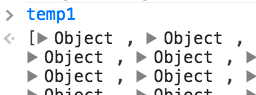
- In my case, the temporary variable is named
temp1. To copy it to the system-wide "clipboard", entercopy(temp1)in the console. 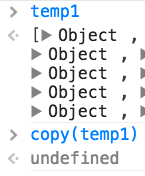 - Open your favorite text editor and paste (
Cmd-V). 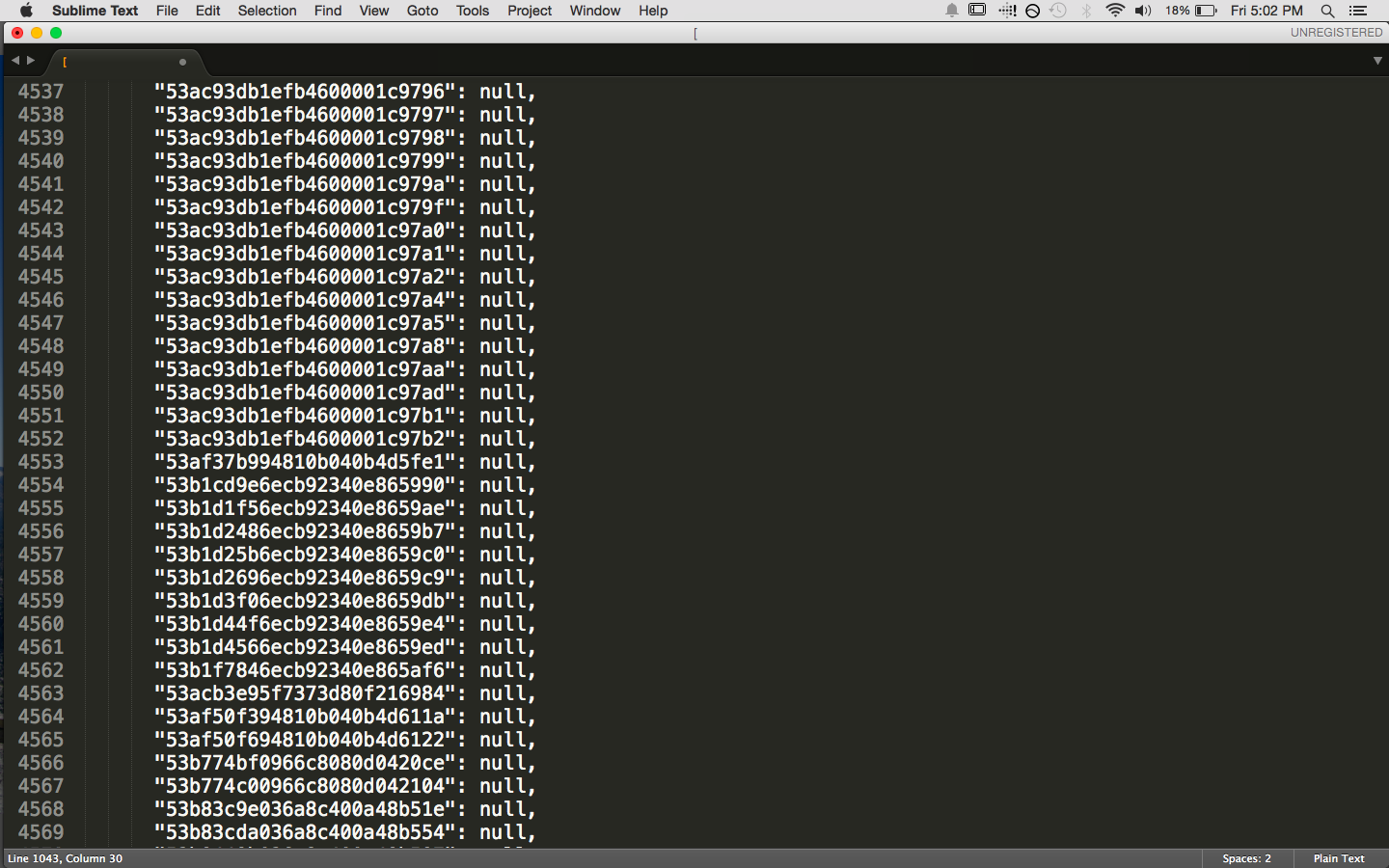
</ol>
##So Much Data!
As you can see in the screenshot above, there's a ton of data...almost 5000 lines! There's no way I could verify all of it myself. Now I have the data in a file and can write a quick script to do the checking for me.