Deploy Yeoman-Generated Angular Apps to AWS
##The Generator I’m creating an app based off of the Yeoman Angular fullstack generator.
It does a lot of cool things, like generating boilerplate, simplifying workflow with many Grunt tasks, and including lots of testing options.
I ran into two problems with it: 1) It doesn deploy to AWS out-of-the-box. 2) It isn’t easy to use any database besides MongoDB.
This post deals with the former. I’ll write another soon that deals with swapping-out MongoDB for sequelize.
##Why doesn’t it work?
The docs for this generator make it easy to deploy to heroku.
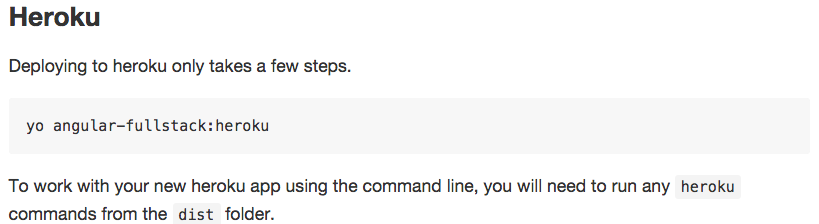
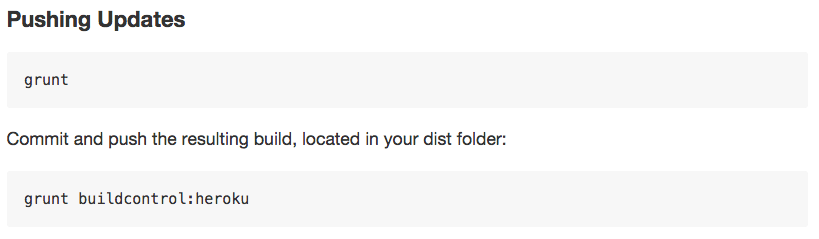
The way that grunt-build-control accomplishes this is by establishing a remote and pushing to it.
Elastic Beanstalk on AWS doesn’t have remotes.
Not only that, but it only pushes the dist/ directory.
eb deploy will push everything.
##The Workaround
Sadly, you won’t be able to use grunt, but you’ll be ok, I promise.
- Remove any Elastic Beanstalk files in the repo. FYI, they’re hidden.
- Using the terminal,
cd dist/from the project’s root folder. - Run
git initto create a local git repo withindist/. - Make an initial commit, because
dist/has always been .gitignore-d. - Run 1eb init
,eb create,eb deployas normal withindist/`. - Set your environmental variables, if you need them.
eb open, with your fingers crossed.
#####Other reading Stack Overflow